




Turkish Airlines Font
About Turkish Airlines Font
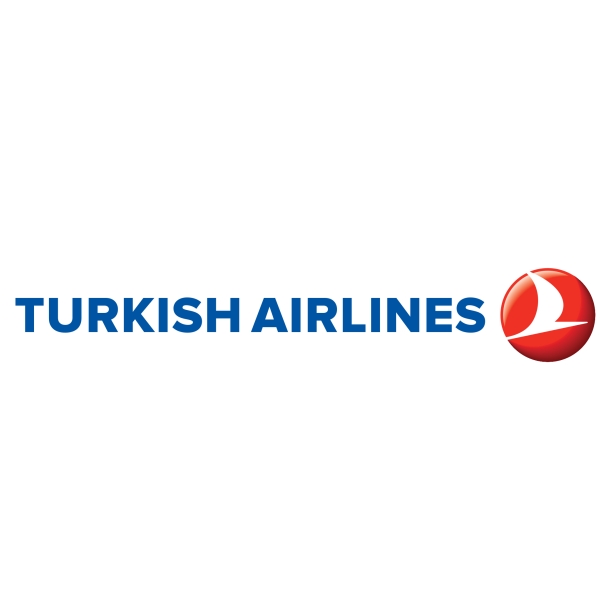
Turkish Airlines is the national flag carrier airline of Turkey, founded in 1933.
The font used in the logo of Turkish Airlines is probably Proxima Nova ExtraBold designed by Mark Simonson in 2005. Proxima Nova is a reworking on his Proxima Sans released in 1994 and the typeface combines modern proportions with a geometric appearance. You can view the full font family of 42 fonts here.
Download Proxima Nova Font
The Proxima Nova font identified above is not available for free, please follow the link above and purchase a font license to download and use the font. Meanwhile, you can take a look at our collection of fonts for cars, pop music and apparel as well as round-ups of new & fresh fonts around the web.
Proxima Nova Typeface in Use
In addition to Turkish Airlines, Proxima Nova typeface is also used in the following logos, movie posters or album covers, etc., including: SAPO, Dear Evan Hansen, Black Mirror, 2014 Forest Hills Drive, It Takes Two (video game), Project X, The Sapphires.
You Might Like These Fonts
Below are free and downloadable fonts that can be used for commercial purposes. You can click here to refresh with a new set.
More Fonts in Use
Check out fonts used in famous logos and cover artwork of music albums.